Thanks for choosing Pieces.
Pick your computer below and your download will start.
Choose your computer to start the download:
Free to use. It runs quietly in the background — there’s nothing to configure.
Three steps, then it just works.
Open Pieces
Open the file you just downloaded and follow the prompts. It installs a small background helper, PiecesOS, that does the remembering for you — give it permission and run it once to get going.
Keep working like normal
Pieces quietly remembers the things you choose to share, so you never lose track of what you were doing. You stay in control of what it sees, and can pause it anytime.
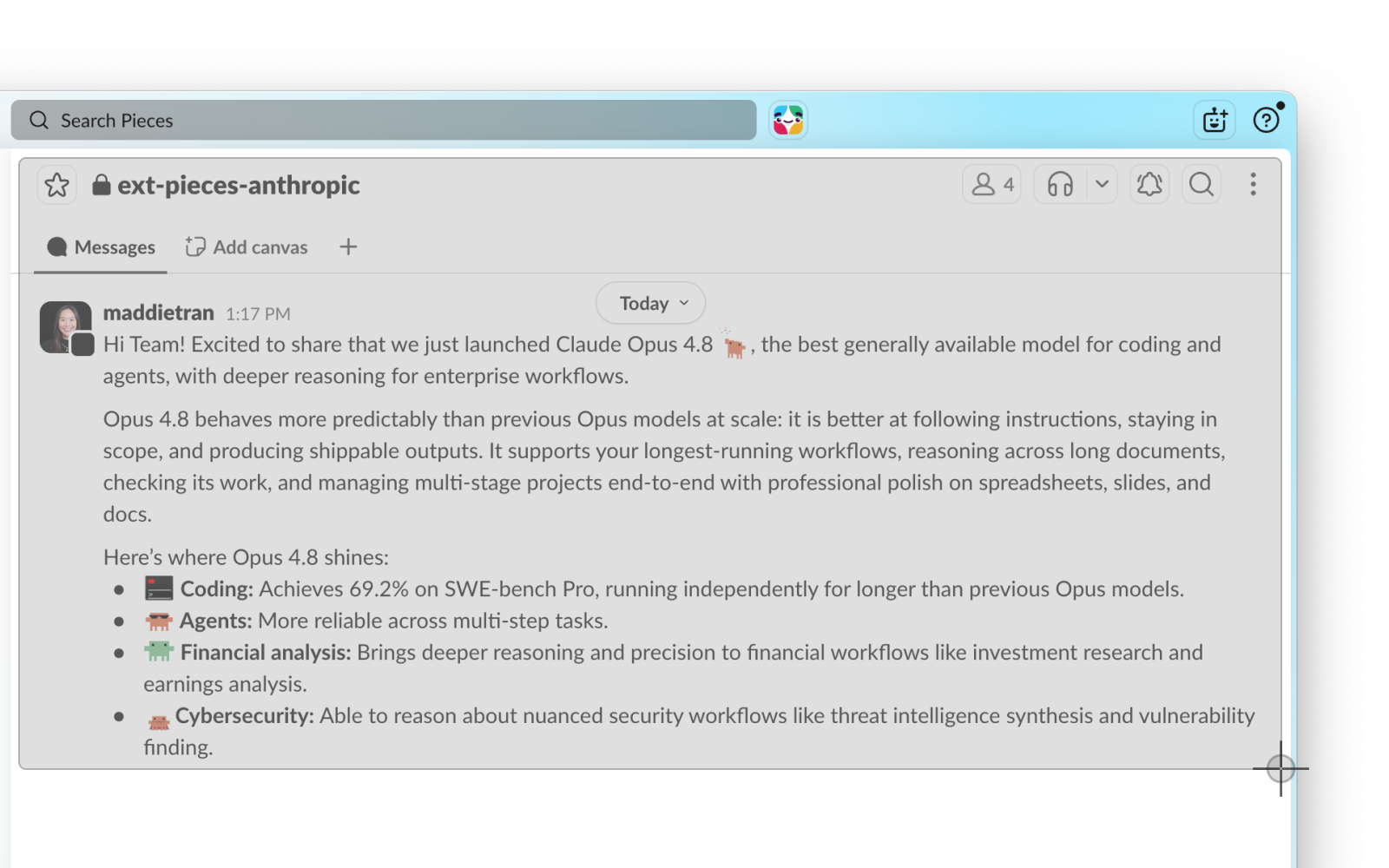
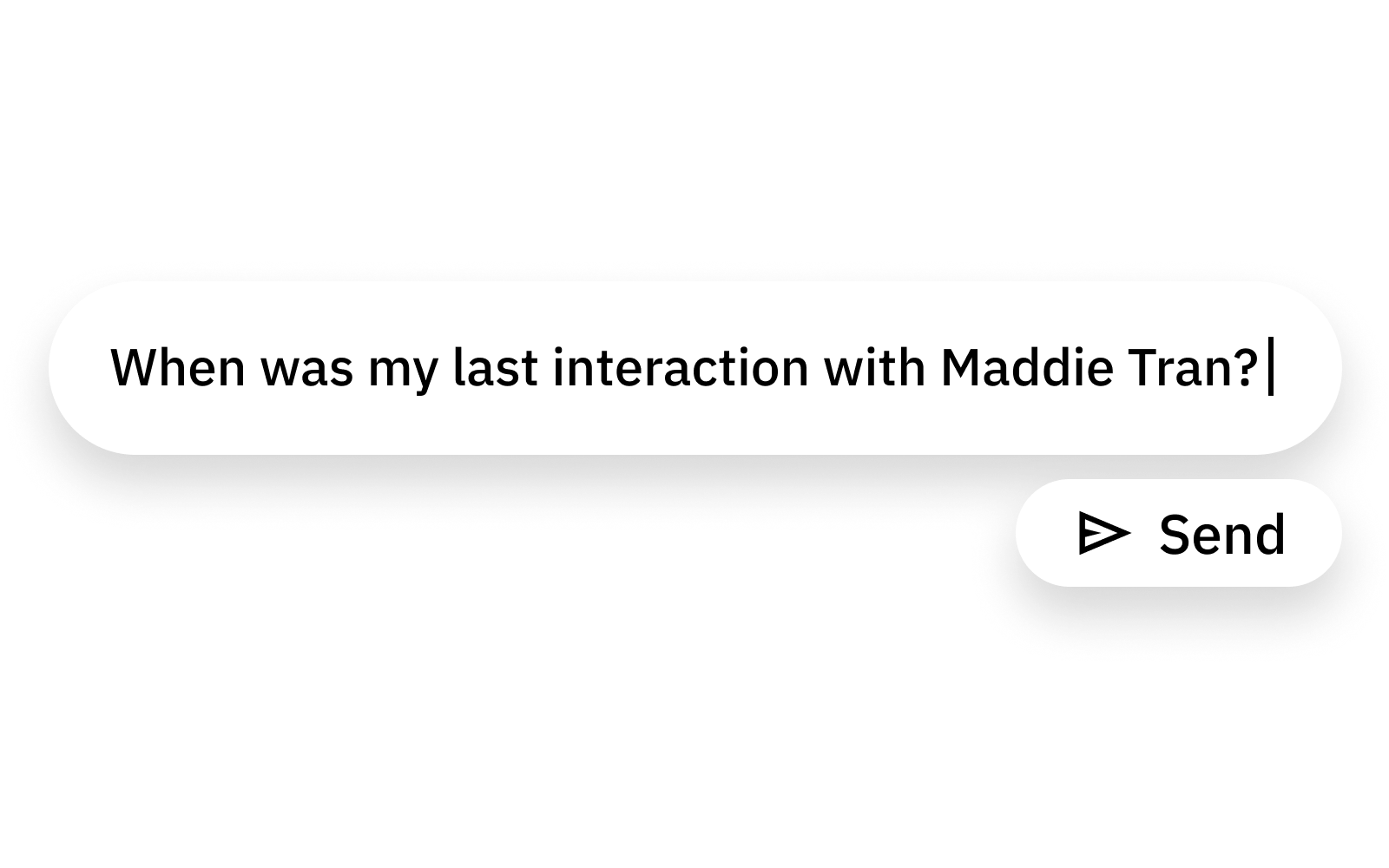
Ask your AI and it just knows
Connect the tools you already use — Cursor, Claude, Copilot — and they pick up where you left off, with the context you’d otherwise have to explain all over again.
Looking for a different version?Other computers, chips, and Linux.
Keep going
A few friendly ways to get comfortable with Pieces.
Questions, answered.
The basics, in plain language.
My download didn’t start — what now?
Use the “Restart the download” link near the top, or open Looking for a different version? above to pick your exact build. If it still won’t start, your browser may be blocking it — check your downloads bar or permissions.
What’s PiecesOS — do I have to install it separately?
No. PiecesOS is the small, free helper that does the remembering behind the scenes. It installs automatically with the app, so there’s nothing extra for you to set up.
Will it slow down my computer or watch everything?
No. Pieces runs lightly in the background, and you choose what it can see. Your memory is stored on your device by default, and you can pause it or delete anything whenever you want.
Is it really free?
Yes — Pieces is free to download and use. Paid plans add shared memory and admin controls for teams when you’re ready.
Which computers does it work on?
Pieces runs on recent versions of macOS, Windows, and Linux. You’ll find every build under Looking for a different version? above.
How do I connect my AI tools?
Pieces works with tools like Cursor, Claude, and Copilot through MCP. Follow the short setup guide to link the ones you use.
Stuck on anything? We’re real people, and we read every message.
Book a call with us